







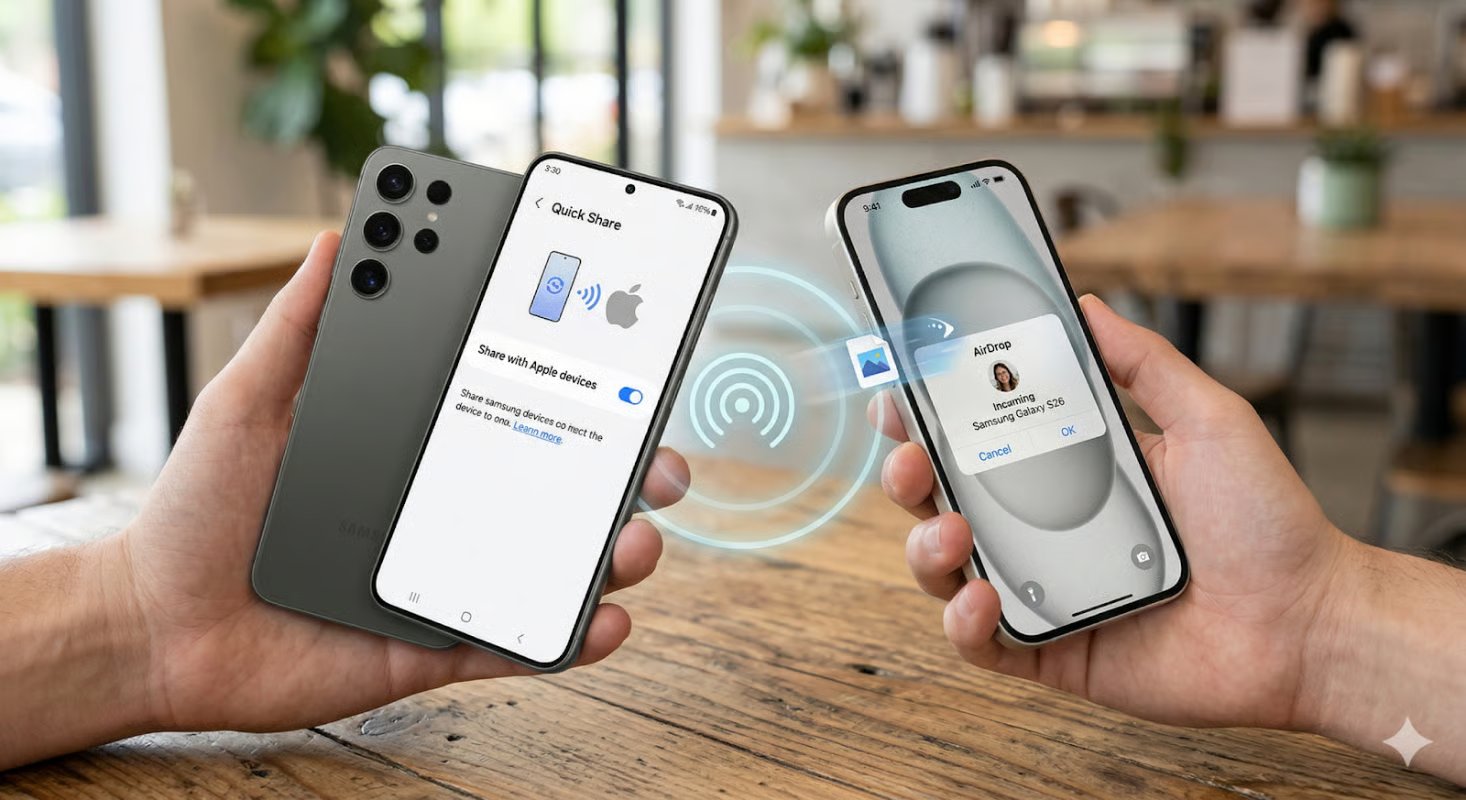
In a surprising cross-platform breakthrough, Samsung’s latest flagship now speaks fluent AirDrop.
With some of the most powerful features seen in a Samsung Galaxy smartphone to date, the S26 series has just received a huge upgrade with full AirDrop compatibility. The latest update will be introduced on a regional basis, beginning with Korea before rolling out to Europe, Hong Kong, Japan, Latin America, North America, Southeast Asia, and, finally, Taiwan.
According to the official announcement, the collaboration between Samsung and Apple isn’t a one-time thing. While we don’t know whether AirDrop will be compatible with every Samsung smartphone in the future, we certainly expect to see it on other devices moving forward.
What is AirDrop?
AirDrop is a popular file-sharing service that was first introduced by Apple in 2011 for Mac OS X Lion and iOS 7. It has since been made available for every version of Apple’s operating systems, including iOS, macOS, iPadOS, and visionOS.
The service works through a peer-to-peer Wi-Fi connection. It leverages TLS (Transport Layer Security) encryption to ensure data privacy and authenticity, and it’s often used to share small files between local users.
Joining the Pixel 10
The Samsung Galaxy S26 series isn’t the first non-Apple smartphone to support AirDrop. Google’s Pixel 10 recently gained the ability to send and receive files via the popular file-sharing service, too, marking the first time in history that AirDrop was ever available on the Android operating system.
Much like Samsung, Google has also said it plans to expand the feature to more Android devices. At the time of this writing, however, it’s unclear when these devices will be announced.
How does AirDrop work?
Once it’s available in your region, AirDrop can be enabled on your Samsung Galaxy S26 by accessing the device’s settings menu. From there, click on “Connected devices” to open up the Quick Share menu. Next, click “Share with Apple devices” and set the toggle to “On” to begin using AirDrop.
After it’s been enabled, AirDrop can be accessed by starting your device’s Quick Share feature. Compatible devices will be visible in the menu itself, making it easy to send files as needed. In order for Apple devices to see your Galaxy S26 phone, however, you’ll need to make sure your AirDrop settings are set for “Everyone for 10 minutes.”
Playing well with others
Both Google and Samsung have been open about their plans to continue adding third-party apps and services to their devices. Although Apple has always been highly protective of its software and hardware ecosystem, its sudden openness with AirDrop could be a sign of bigger things to come.
Also read: Apple’s 2026 product roadmap outlines the next wave of iPhones, Macs, and Apple Watch updates expected this year.


