


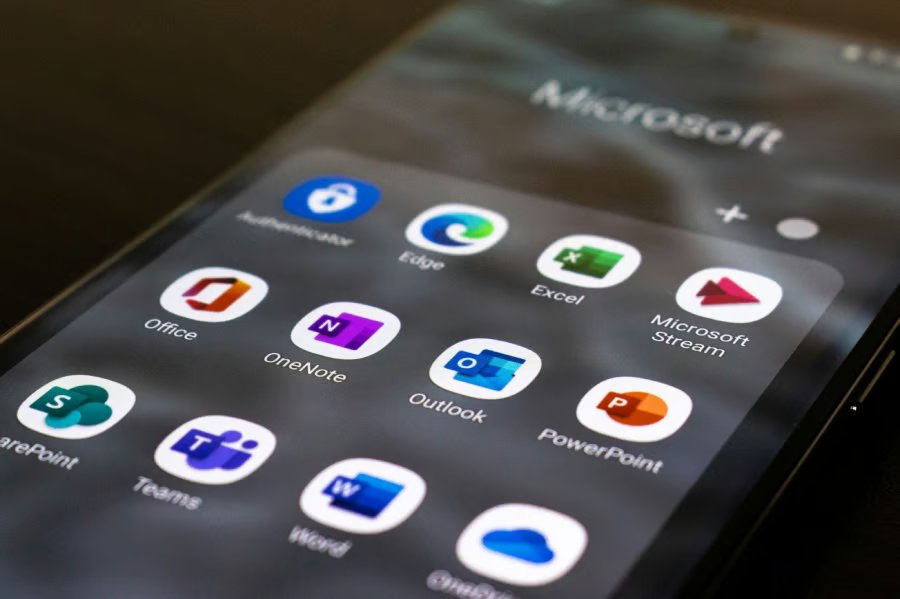
Another Microsoft app is headed for the graveyard, as millions of Android users are set to lose access to Outlook Lite in six weeks.
Microsoft’s decision to kill the app has been in motion for months, beginning with a phased retirement period on Oct. 6, 2025, when the app left the Google Play Store and new downloads were effectively halted. That transition period is now closing, with reports confirming that Outlook Lite will be fully shut down on May 25, 2026, ending all in-app functionality for existing users.
Microsoft now urges Android users to switch to Outlook Mobile, a unified, feature-rich Outlook app for Android and iOS.
The beginning of an end
Outlook Lite was launched in 2022 to cater to low-performance Android devices or to allow Outlook users in areas with poor internet access to access basic Outlook functionality. As an Android-only app, it was never available for iOS users. Four years after its debut, it has had over 10 million users, according to a York Press report.
And with this retirement plan, all Outlook Lite users will have no choice but to adopt the Outlook Mobile app or use another mobile email app, such as Gmail.
Microsoft didn’t give any explicit reason for the retirement, but for anyone closely following Microsoft’s recent moves regarding Outlook, the company’s move to retire Outlook Lite won’t come as a surprise. The move also affects Outlook for computers, with the company set to retire the Classic Outlook soon, but with a much longer transition period.
Our best guess is that Microsoft is focused on unifying the Outlook experience across mobile devices, just as it’s doing with computers.
Outlook Lite won’t be the first app to be hit by Microsoft’s retirement plans. Skype, one of the company’s most popular apps in its prime, was shut down in May last year, more than two decades after its launch.
What happens after May 25
By May 25, the final date, users still on Outlook Lite will still be able to open their apps, but that will be all. Navigation won’t work. The app will stop fetching mail, and users will be unable to send emails as well, Neowin reports.
However, users will be able to continue accessing whatever Outlook data they had when they switch to Outlook Mobile. Emails sent using the Outlook Lite app will also be accessible in the recommended app.
Recommended actions for Outlook Lite users
If you are still using Outlook Lite, all you need to do is download Outlook Mobile, sign in to your Outlook account, and continue from where you left off. Don’t forget to uninstall Outlook Lite from your device, as it’s now an unsupported app and no longer receives software updates, increasing your device’s attack surface.
IT admins are also required to inform members of this update before the deadline so they can take recommended steps.
Since Outlook Lite is for low-performance Android devices or users with poor internet, these six weeks should be used either to upgrade the current device if it struggles significantly with Outlook Mobile or to find an alternative internet solution.
Also read: Google has expanded Gmail end-to-end encryption on mobile for eligible Workspace users on Android and iOS.
