










A new macOS 26 update is here, and it’s the critical first step for some of Apple’s next features.
Apple officially rolled out macOS 26.3 on Feb. 11, days after its beta went live. While their focus touched on security, bug fixes, and general optimization, reports from 9to5Mac suggest the update’s core focus is much broader.
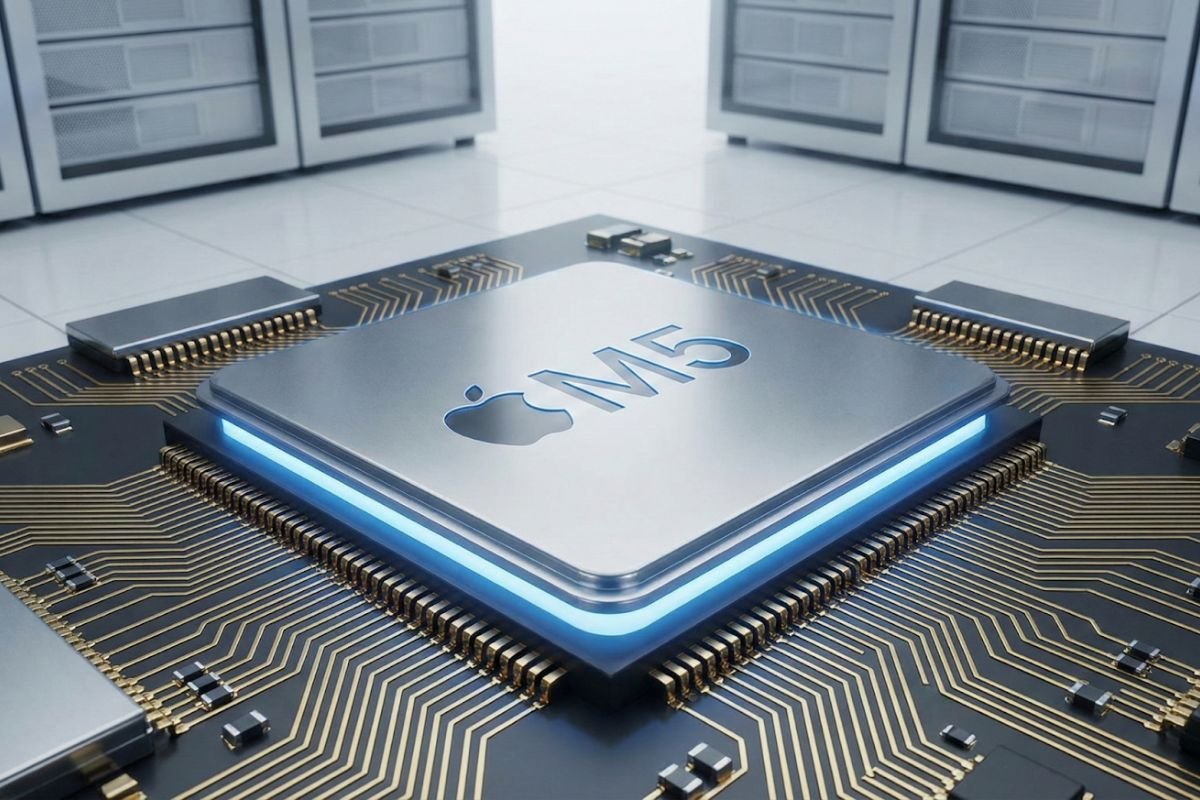
The critical maintenance step improves the overall system, easing the future rollout of features such as the advanced M5 chip series, and potentially including changes required by the European Union for EU residents. Users on supported Macs are strongly advised to update to it, despite it not having many apparent user-facing changes.
Below the surface, what macOS 26.3 comes with
9to5Mac reports this update as a silent one. However, despite its quiet launch, there are reasons users should update to it, including the latest updates coming to MacBooks this year.
- The first on the list is bugs and security fixes. macOS 26.3, with code name 25D125, is primarily a maintenance update. Its core focus is to improve the overall system, essentially keeping Macs more stable and faster, while protecting users from exploitable vulnerabilities.
- Another key feature of this update is a focus on the M5 chip series. Reports from Apple Insider reveal that macOS 26.3 is optimized for the M5 chips, particularly the M5 Pro and M5 Max chips. There’s also more to this. Apple Insider also suggests that not only will the next MacBook Pro come with macOS 26.3 preinstalled, but it will also need at least macOS 26.3 to run.
- The upgraded Siri becomes closer. While there’s been some internal issues delaying the launch of a new Siri, the advent of macOS 26.3 moves us a step closer to when Siri’s new features can start rolling out. There’s still uncertainty about whether the next in line, macOS 26.4, will bring that new Siri to us, but macOS 26.3’s quiet rollout suggests that a more substantial update is being prepared.
- There are also permutations that the new point update will require changes in line with the European Union, according to Apple Insider.
How to get the new update
Since this is a point update of the base macOS 26, anyone who can receive the base version is still eligible to receive this one.
To determine whether your Mac is eligible for this update, check this official list from Apple. Once you are sure your Mac supports the point update, you can proceed with the following steps:
- Back up your Mac: You can either use Apple’s specific backup method for Macs, Time Machine, which backs up your entire Mac to an external drive, or use iCloud backup if you need to back up important files only. Backups are essential in case your Mac crashes mid-update, and you need to restore to a previous state.
- Check storage: Apple updates require ample free storage available on the device, ideally 10 to 20 GB. If you are upgrading from a very outdated version, be sure to leave at least 30 GB of free storage.
- Plug in and connect your Mac to an unmetered Wi-Fi connection to avoid disruptions
- Click on System Settings, click General, then Software Update. The new screen should scan for the latest update, then click Update Now.
Ensure you have your password ready, as you will be prompted to enter it during the update. If you don’t see an update prompt on your device, be assured that you’ll get one once it’s available, as updates like these roll out periodically.
Also read: Rumors of a MacBook Pro redesign point to a busy 2026 roadmap for Apple’s pro Macs.


