







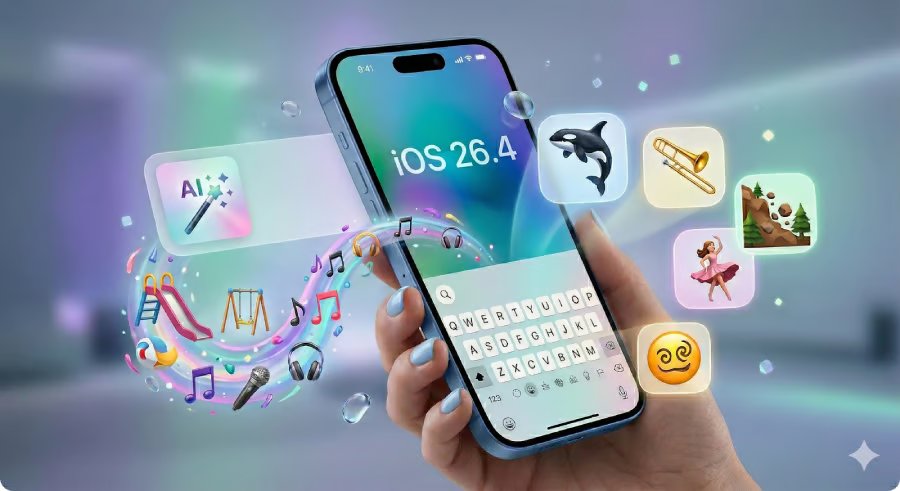
Apple has officially released iOS 26.4, a mid-cycle update that packs a surprising punch.
While the much-anticipated AI-powered Siri overhaul remains on hold, this release delivers 13 notable changes, including eight new emoji, a major shake-up for Apple Music, and a fix for that frustrating keyboard lag that’s been driving fast typers crazy.
Apple Music gets a creative spark
The biggest highlight of this update is the introduction of Playlist Playground (beta). Think of it as a personal DJ powered by AI. Users can now enter a description of what they are in the mood for, and the system generates a full playlist with a custom title and track list.
According to Apple’s official release notes, the update also introduces Concerts, a feature designed to bridge the gap between streaming and real life. It helps users “discover nearby shows from artists in your library and recommends new artists based on what you listen to.”
For those moments when you are in a subway tunnel or on a plane, the new Offline Music Recognition in Control Center is a subtle but clever addition. It allows you to identify a song even without an internet connection, saving the result to notify you once you are back online. Apple has also added an Ambient Music widget for the Home Screen, offering curated playlists for Sleep, Chill, Productivity, and Wellbeing.
Eight new emojis join the keyboard
Emoji enthusiasts have a handful of new characters to play with. iOS 26.4 adds eight new symbols to the keyboard. These include an orca, a trombone, a landslide, a ballet dancer, and a distorted face, among others. As with previous releases, the new icons will only display properly when both sender and receiver are on updated devices.
Solving the keyboard glitch
If you’ve felt like your typing has been a bit “off” lately, you aren’t alone. For months, users have complained about a dip in accuracy since the launch of iOS 26. While Apple didn’t make a big fuss about the issue previously, they have addressed it here.
In the official changelog, Apple lists: “Improved keyboard accuracy when typing quickly.”
This update also introduces support for the AirPods Max 2 and adds a suite of advanced image creation tools to the Freeform app for subscribers to Apple Creator Studio.
Financial independence for families
One of the most practical changes involves Family Sharing. Previously, the “Family Organizer” usually shouldered the burden of a shared credit card. Now, Apple is giving adults in the group more control.
“Purchase Sharing lets adult members in Family Sharing groups use their own payment method when making purchases, without relying on the family organizer,” Apple explained.
Accessibility and smoothness
Apple is also refining its Liquid Glass interface.
For users sensitive to on-screen motion or bright flashes, new Accessibility settings, specifically “Reduce Bright Effects,” aim to make the experience more comfortable. There is also a more reliable “Reduce Motion” setting to keep those sleek animations from feeling overwhelming.
The Reminders app also sees a workflow improvement. Users can now mark reminders as urgent directly from the Quick Toolbar or by touching and holding. These urgent tasks can then be filtered in Smart Lists.
Finally, the update includes age-verification requirements in specific regions such as Australia and Brazil, as well as in US states like Utah and Louisiana, to comply with local laws.
Also read: Apple’s 2026 product roadmap outlines the iPhones, Macs, and other devices still expected this year.


