


Apple’s latest software trial has arrived… and it’s packed with meaningful upgrades users have been waiting to try.
This update, which follows closely on the heels of the third developer beta, focuses heavily on refining the user experience, making it easier to share files with strangers, and fixing some design quirks from previous test versions.
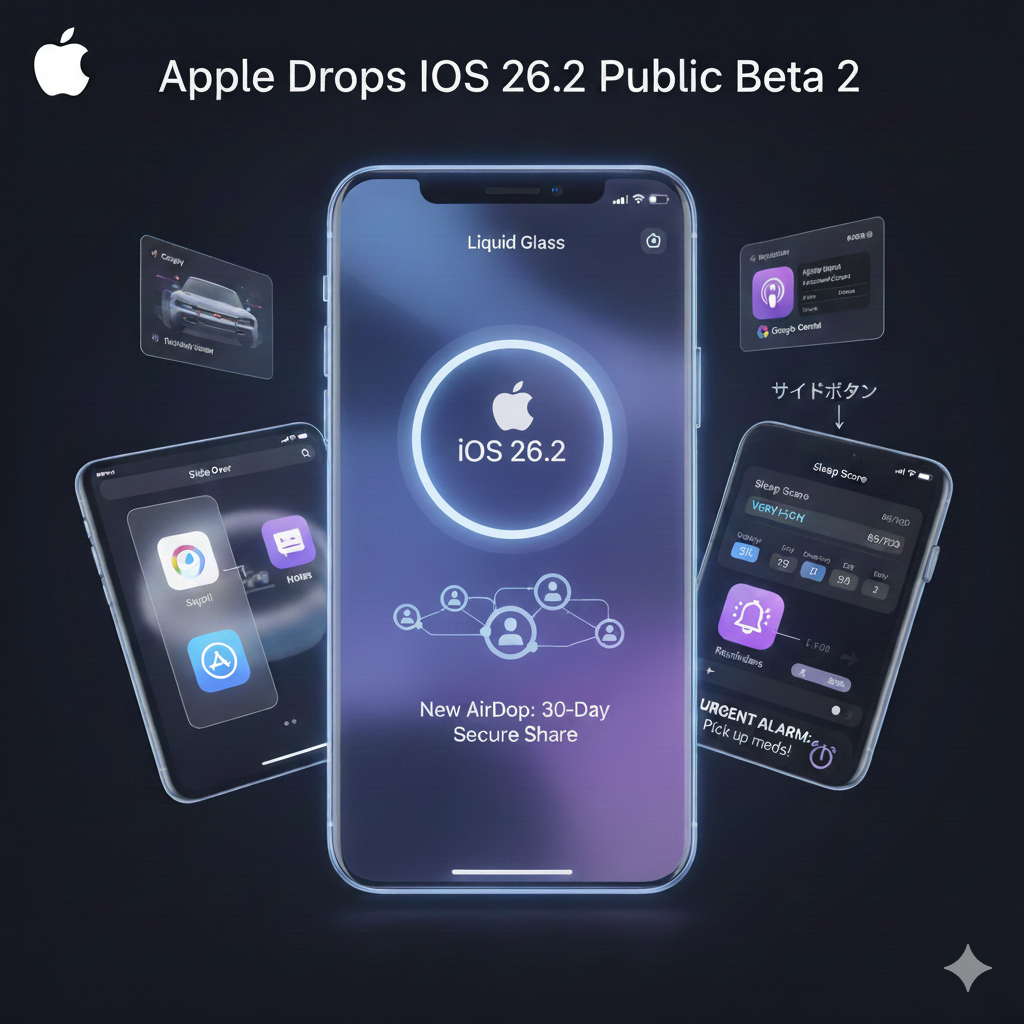
The biggest change is a new way to use AirDrop. Previously, you could only share with everyone for 10 minutes or just with your saved contacts.
Now, there’s a middle ground. iOS 26.2 introduces a one-time code system. You can generate a secure code and share it with someone nearby. Once they enter it, your devices can see each other on AirDrop for a full 30 days, with no contact saving required.
You’re in control, too. A new “Manage Known AirDrop Contacts” section in Settings allows you to review and remove these temporary connections at any time.
Beyond AirDrop, this beta continues to polish the “Liquid Glass” design that debuted with iOS 26. The Level tool in the Measure app has been updated to keep numbers clearly visible and prevent them from getting lost in the translucent new interface. You’ll also notice little improvements, like smoother animations when you tap to open menus.
The update also lays the groundwork for some future changes. Code discovered by 9to5Mac indicates a new setting that will enable iPhone users in Japan to change what happens when they hold the side button. Currently, it only activates Siri, but this change would allow them to set other voice assistants, such as Google Gemini, as the default.
For those tracking their health, the terminology around sleep is shifting. Apple has tweaked the Sleep Score categories in response to user feedback that the previous system was overly generous. The top-tier rating of “Excellent” has been replaced with “Very High,” and the numerical thresholds have been adjusted to provide a more realistic picture of your rest.
Additionally, the Reminders app is gaining its own voice. You can now set an urgent reminder to trigger an actual alarm. Unlike a standard notification that might get lost in the shuffle, these alarms can break through Focus modes, ensuring you don’t miss critical tasks.
iPad multitasking and other tweaks
For iPad users, multitasking is getting a boost in fluidity. 9to5Mac reports that with iPadOS 26.2, “you can now drag an app icon out of the Dock to enter Slide Over or Split View during multitasking.” This brings back some beloved functionality that improves workflow on the tablet.
Other notable changes found in this beta include:
- Podcasts: The app now leverages AI to automatically generate chapters and collect show links.
- CarPlay: A new toggle allows you to disable pinned conversations in the Messages app while driving.
- Hypertension alerts: Developers can now use HealthKit to read hypertension notifications generated by the Apple Watch.
Who can install the update?
The public beta supports devices from the iPhone 11 series and later, as well as the iPhone SE (2nd generation onward). Testers can install it by navigating to Settings > General > Software Update on their device, tapping Beta Updates, and then selecting iOS 26.2 Public Beta.
Developers trying out iOS 26.2’s new AirDrop and sleep features may also want to understand how Apple’s updated App Review Guidelines tighten AI data sharing rules, as these policies will shape what future iOS apps can do with user data.
